Overview
The project is designed to feel like a realistic application instead of a toy component sandbox. It includes a coffee menu, cart flow, checkout, order history, store locator, admin path, URL-based demo modes, and a backing API.
That mix makes it useful for showcasing frontend testing, API coverage, accessibility checks, state management, and performance-oriented scenarios in one place.
What it demonstrates
- Vue 3 + TypeScript application structure with Vuex and Vue Router
- Express + SQLite backend routes that support realistic UI and API testing
- A broad automated test suite spanning UI, store, API, and utility layers
- Useful demo hooks such as URL params for slower responses, forced errors, and auth bypasses
Key implementation notes
The app includes intentional testing affordances such as `?skipauth=1`, delayed API responses, geolocation scenarios, and error injection through a shared fetch wrapper. That makes it a good candidate for automation demos, framework experiments, and QA teaching examples.
The project also includes ESLint and Prettier setup, detailed README/developer docs, and a sizable Vitest/supertest suite that keeps the app useful as a reference repo.
Screenshots
These screenshots are captured from the live Coffee Cart app and show the main user flows that make the project useful for testing and automation demonstrations.
Login flow
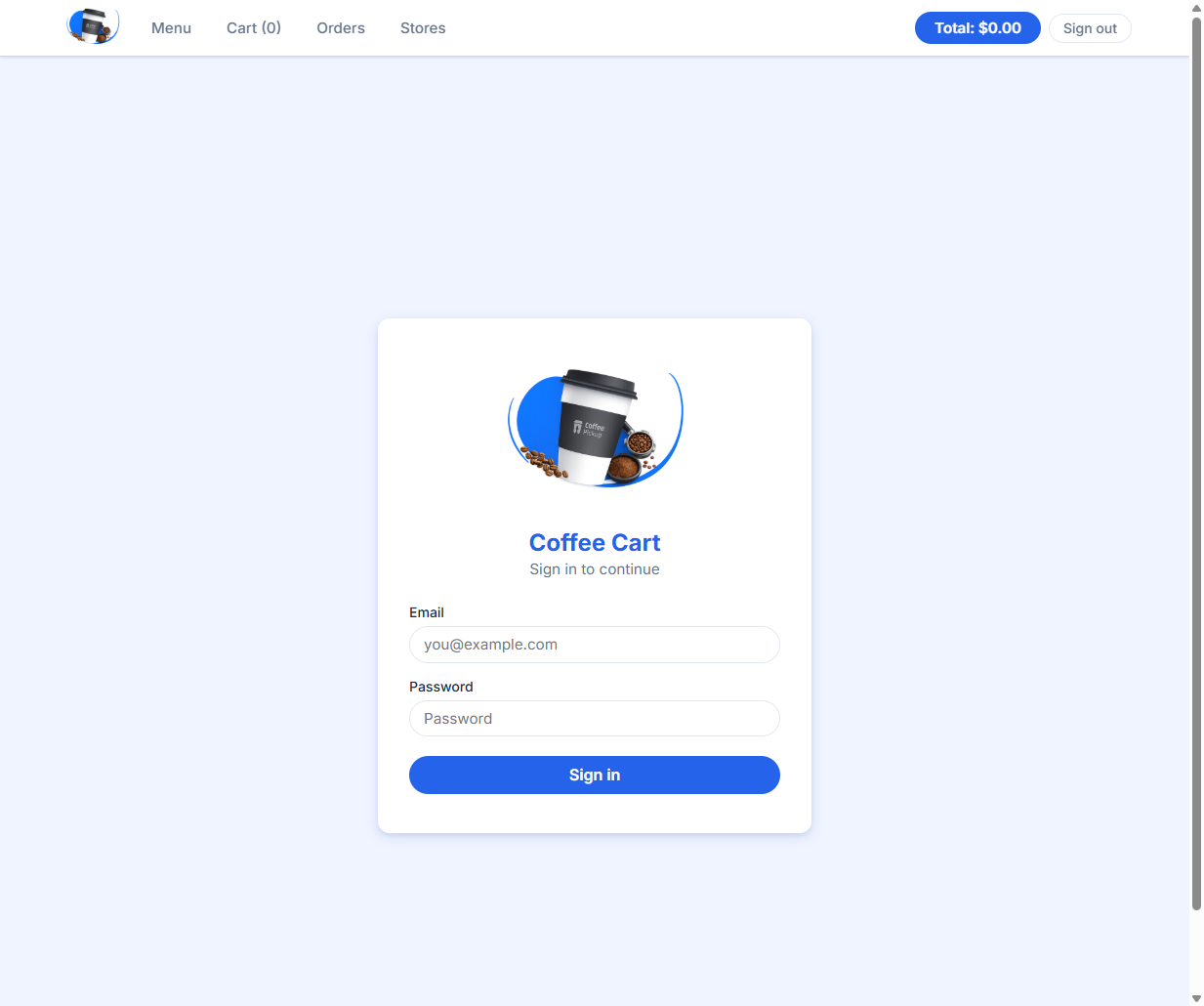
The dedicated sign-in screen supports standard credential-based access and helps show the app as a more complete, realistic test target.
Menu and cart flow
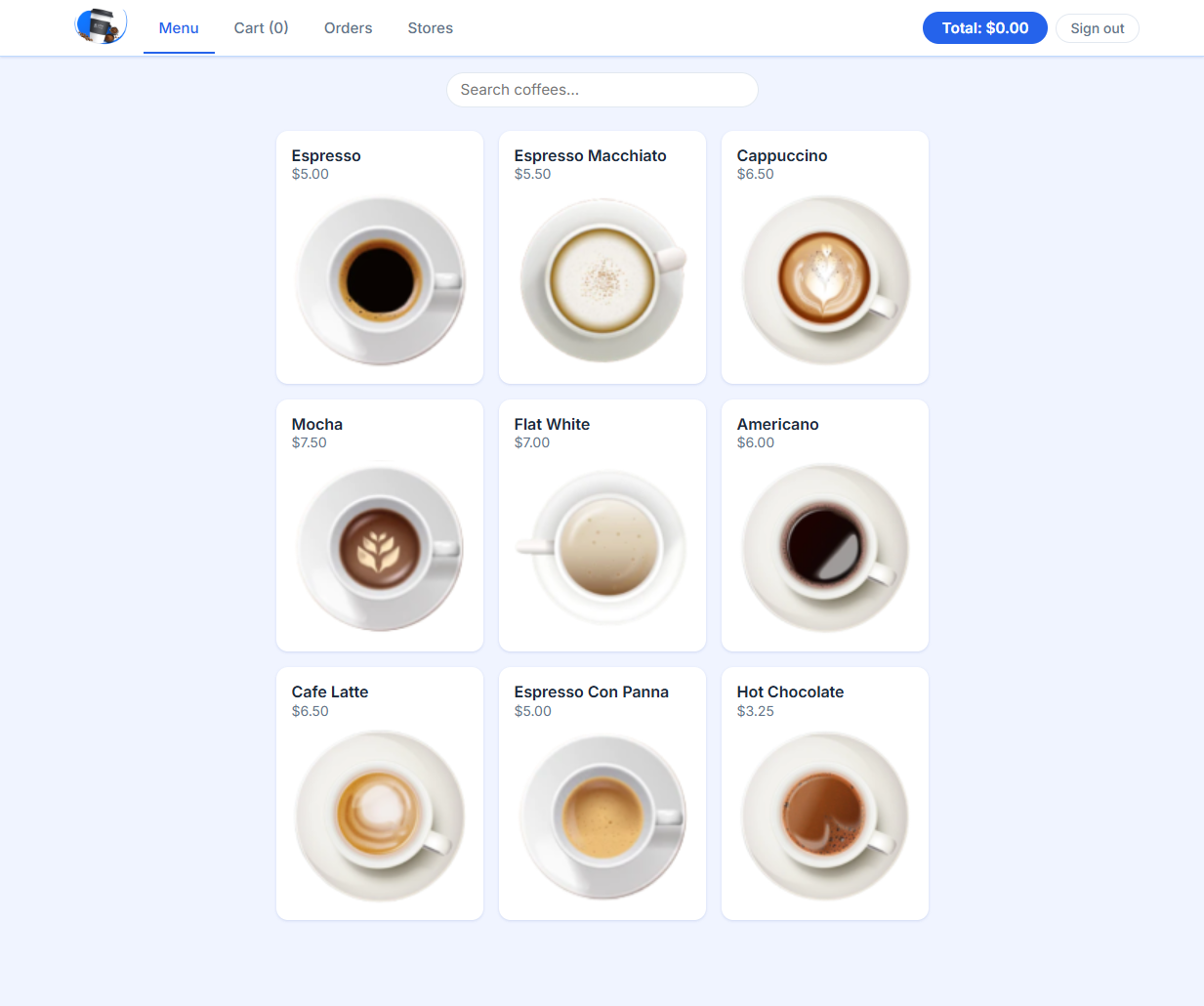
The main menu view shows the product grid, navigation, and the simple browsing flow used for UI and interaction testing.
Cart state
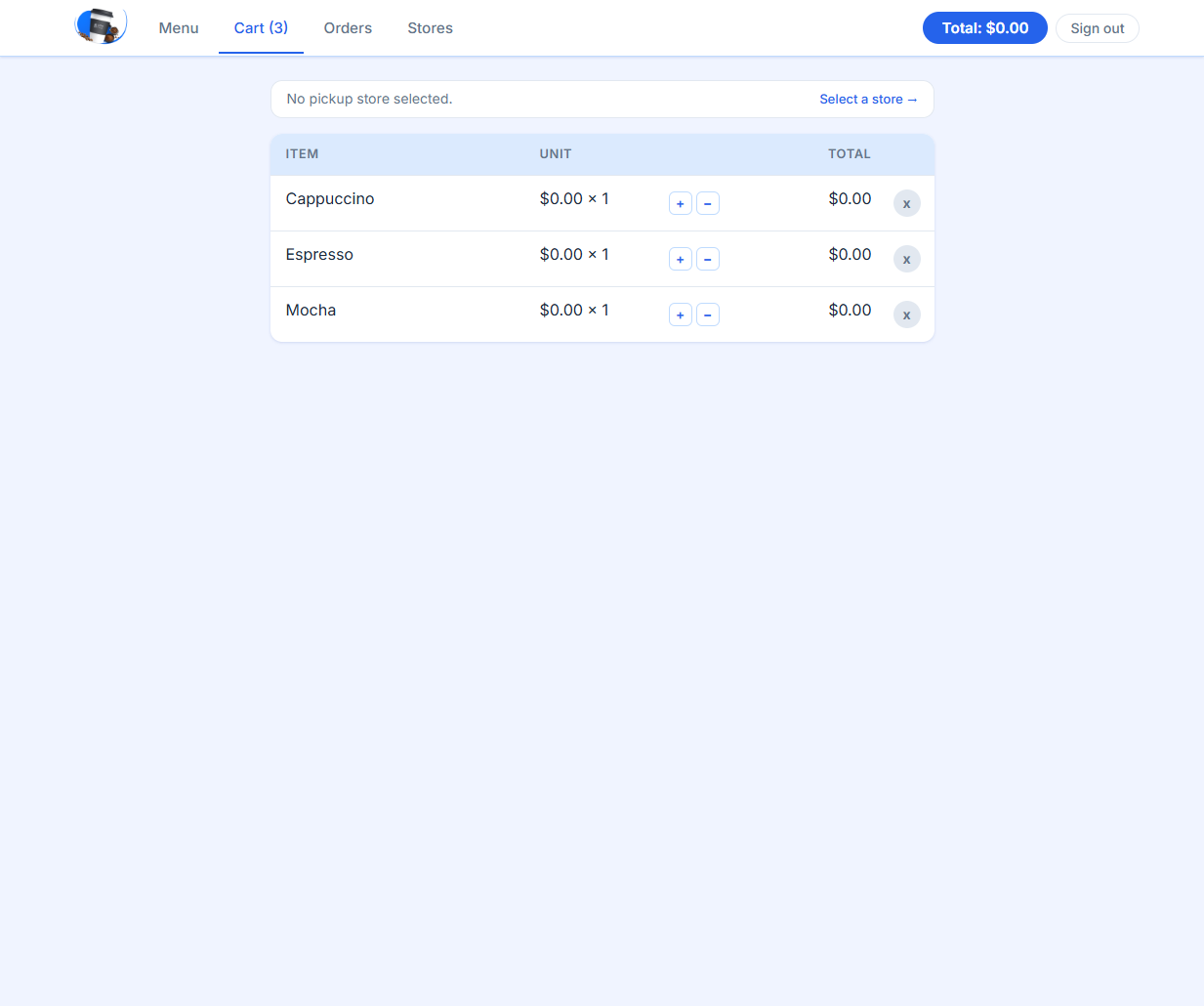
The cart page highlights quantity controls, totals, and the route-level workflow around adding and removing items.
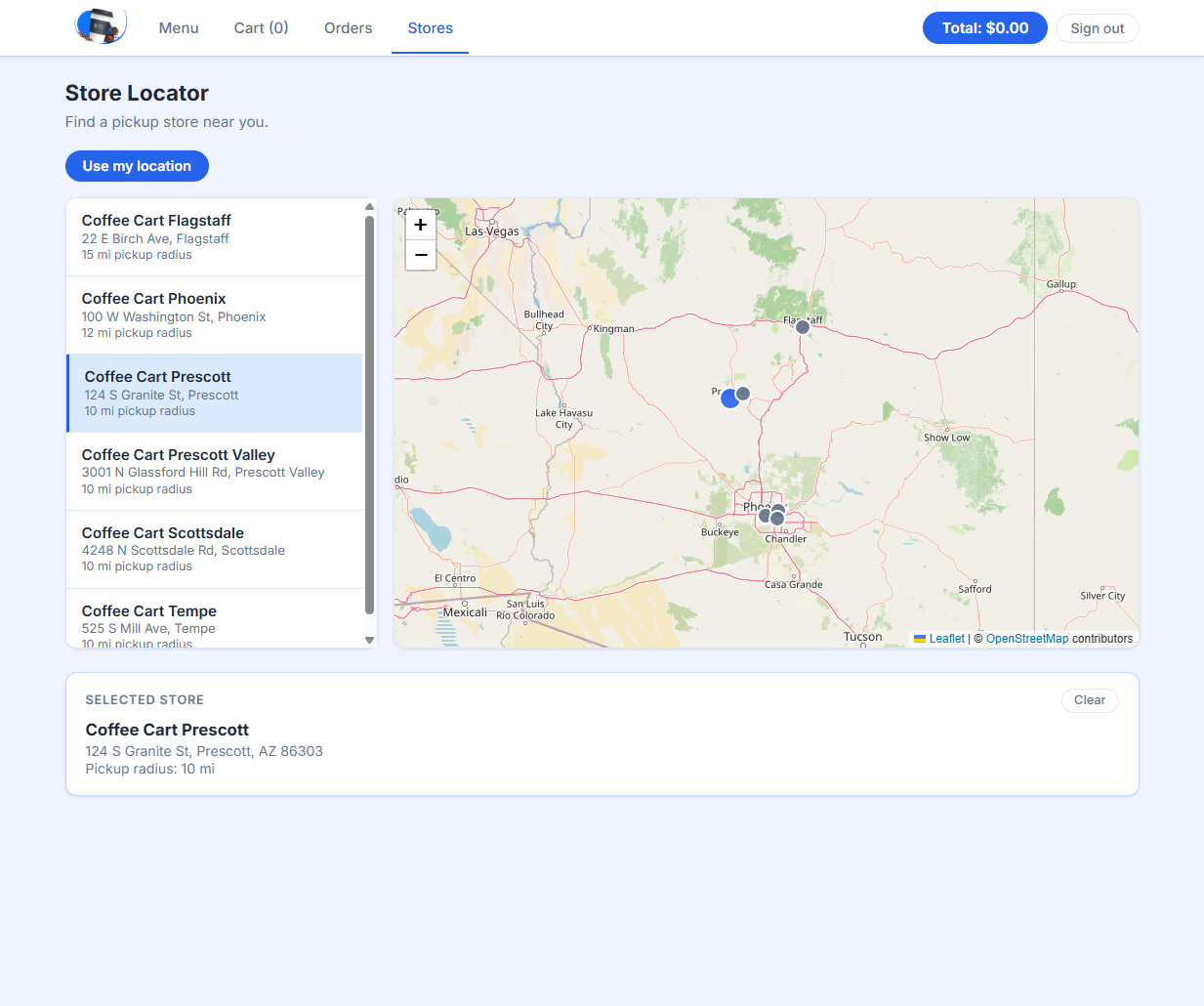
Store locator
The stores experience adds geolocation-style flows, selection state, and map-based UI coverage that broadens the testing surface beyond a simple menu app.
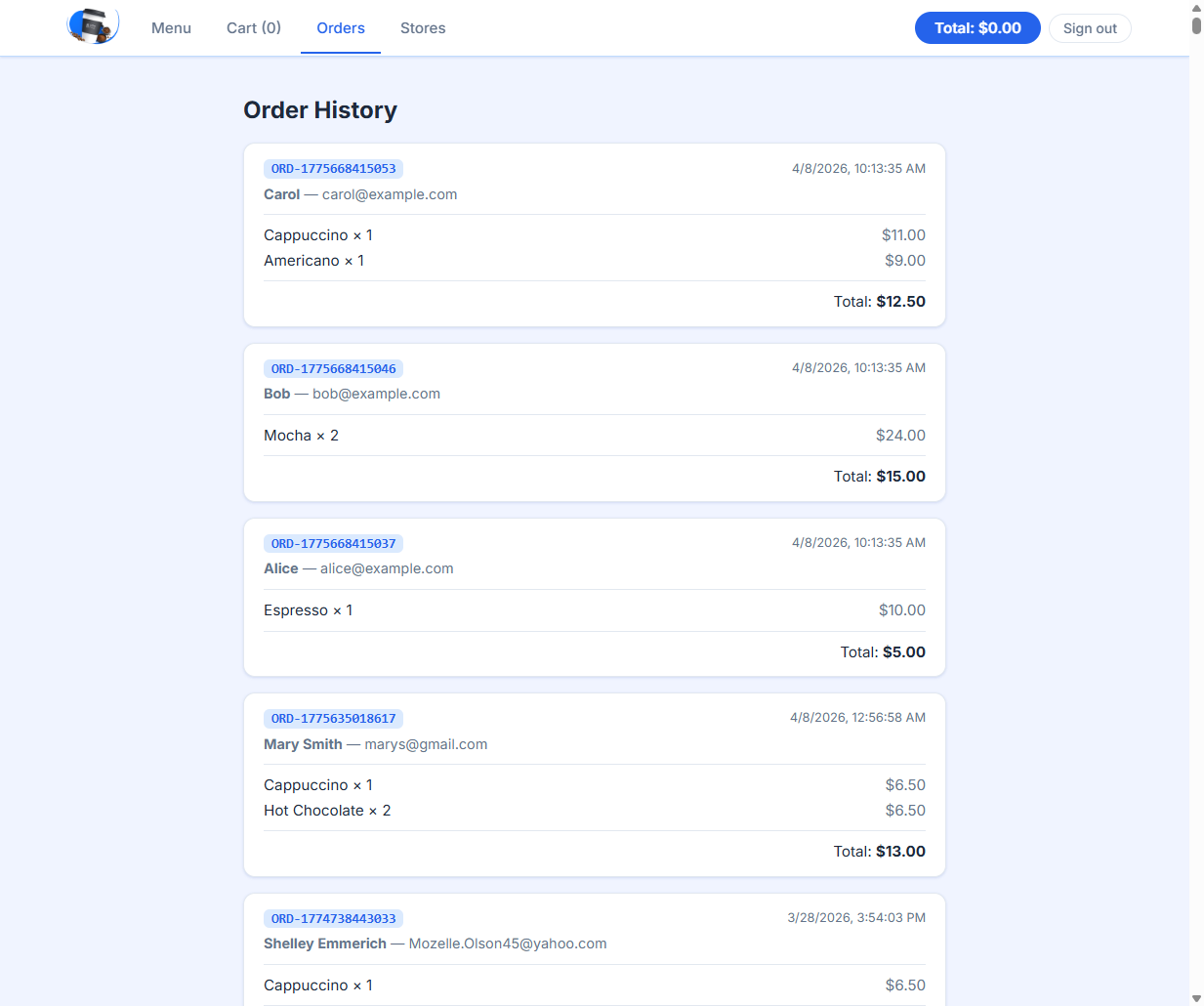
Order history
The orders page shows persisted order data and gives the project a realistic end-to-end outcome that can be validated through UI and API tests.
Admin dashboard
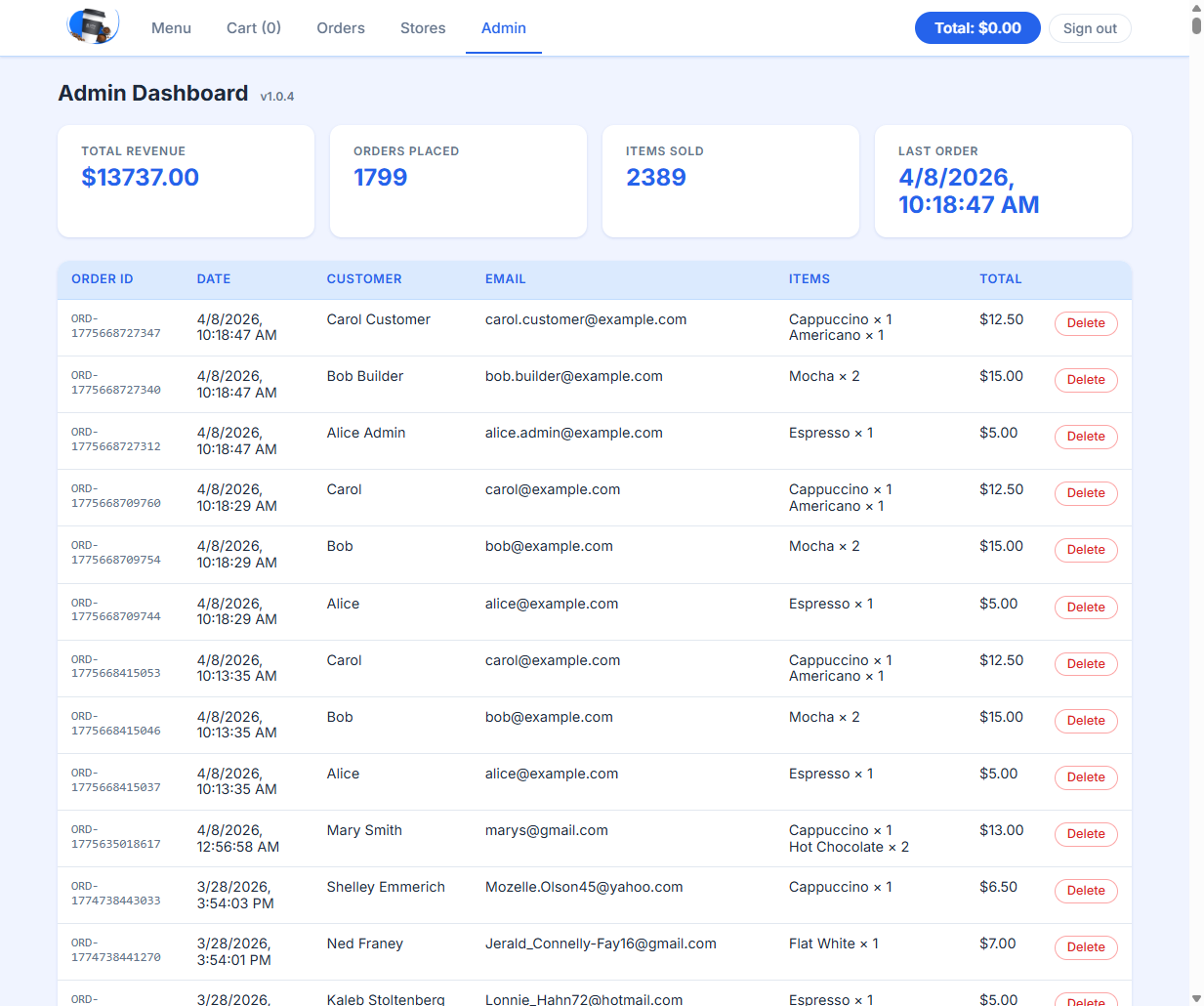
The admin view adds role-based access, summary stats, and order management, giving the app a richer workflow for authorization and dashboard testing.